
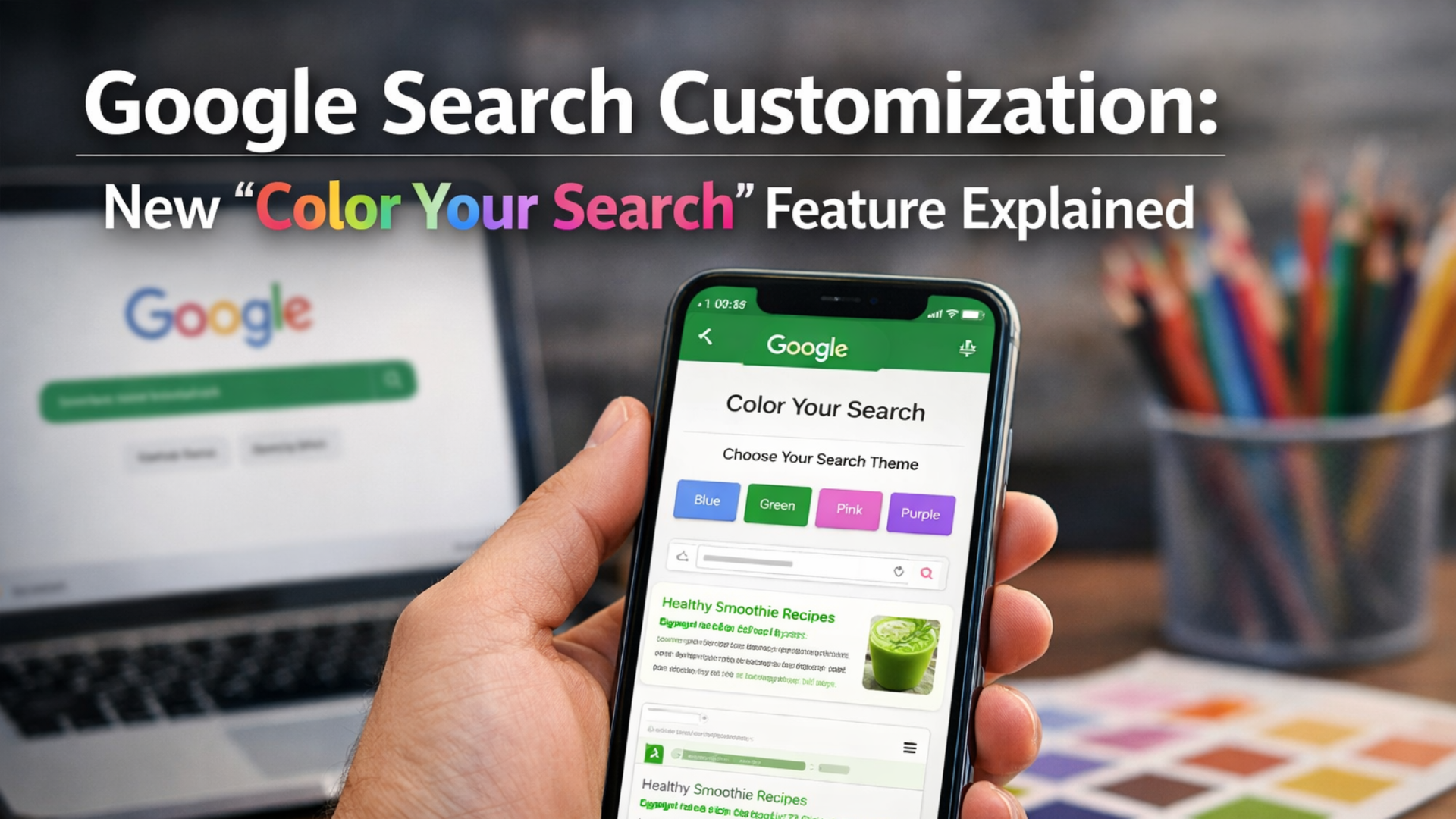
Google Search customization continues to evolve as Google introduces a subtle but meaningful visual update for mobile users. The new feature, called Color Your Search, allows users to personalize the appearance of the Google Search interface by adding soft accent colors to the top section of the page.

While the change may seem small at first glance, it reflects Google’s ongoing effort to modernize Search without compromising its simplicity and usability.
What Is Google Search Customization?
Google Search customization refers to Google’s efforts to allow users more control over how Search looks and behaves. Traditionally, Google Search has followed a minimal design philosophy focused on speed, clarity, and consistency.
However, in recent years, Google has introduced:
- Dark mode
- AI-powered search experiences
- Interface refinements on mobile
The Color Your Search option is the latest step in this direction.
Introducing “Color Your Search” on Mobile
The Color Your Search feature was first reported by 9to5Google and is currently rolling out gradually on mobile devices.

This new Google Search customization option lets users choose from ten muted color tones that slightly alter the appearance of the top section of the Search interface.
Key Highlights of the Feature
- Ten soft color options
- Changes only the top header area
- No impact on search results or layout
- Designed to remain distraction-free
Importantly, the rest of the Google Search page stays clean and familiar.
Subtle Visual Changes That Preserve Simplicity
One of the reasons Google Search customization works well here is because the update is intentionally subtle.
Instead of redesigning the entire interface, Google:
- Applies color only to the header section
- Keeps search results unchanged
- Maintains high readability and contrast
This ensures users still recognize Google Search instantly while enjoying a touch of personalization.

Supported Devices: Where Is the Feature Available?
At the moment, Google Search customization through Color Your Search is limited to larger mobile screens.
Currently Supported Devices
- Tablets
- Foldable smartphones
Not Yet Available On
- Desktop computers
- Laptops
- Smaller smartphones
Google has not officially confirmed whether the feature will expand to all devices, but gradual rollouts are common for Search updates.
How to Access Color Your Search in Google
If your device supports this Google Search customization option, you can find it easily.
Steps to Enable Color Your Search
- Open Google Search in a mobile browser
- Look near the left side of the Search bar
- Tap the color palette icon
- Select one of the available colors
Availability depends on both device compatibility and Google’s rollout status.
Why Google Is Expanding Search Customization
Google’s approach to Google Search customization aligns with broader design trends across its ecosystem.

Design Trends Behind the Update
- Personalization without clutter
- User control over appearance
- Consistency with Android theming
Google has already seen positive feedback from dynamic theming in Android, especially through Material You, where interface colors adapt to wallpapers and system settings.
Potential Future of Google Search Customization
Although Color Your Search is currently limited, it opens the door to more advanced customization options.
Possible Future Enhancements
- Automatic color syncing with device themes
- Integration with dark and light modes
- Personalized UI based on user preferences
If Google applies Material You principles more deeply, Search could dynamically adapt while staying visually simple.
How This Compares to Past Google Search Updates
Despite continuous improvements, Google Search remains far more minimal than many competitors.
Over the last 20 years, Google has:

- Preserved a clean interface
- Prioritized fast information access
- Avoided unnecessary visual noise
Even with AI Mode and interface tweaks, Google’s philosophy remains focused on usability first.
This makes Google Search customization feel optional rather than intrusive.
Does Color Customization Affect Search Performance?
No. This Google Search customization feature is purely visual.
What It Does NOT Change
- Search rankings
- Result accuracy
- Page load speed
- AI responses
Users who prefer the classic look can continue using Search without enabling any colors.
Google’s Official Position on the Feature
So far, Google has not issued an official statement regarding:

- Global rollout timelines
- Desktop availability
- Additional customization features
As with many Google experiments, feedback and adoption may determine its future.
Why This Update Matters for Users
Even small updates like this matter because they show how Google balances innovation with familiarity.
Google Search customization through Color Your Search:
- Adds personality without complexity
- Improves visual comfort on large screens
- Signals future design flexibility
For users who spend hours searching daily, even minor personalization can improve experience.
Conclusion
The new Color Your Search feature may be subtle, but it represents a meaningful shift in how Google approaches personalization. Rather than redesigning Search entirely, Google is testing light customization options that enhance comfort while preserving trust and usability.
As Google continues refining Search with AI, theming, and interface improvements, Google Search customization is likely to expand—carefully, gradually, and always with simplicity in mind.
If you’re using a tablet or foldable device, keep an eye out for this feature—it might already be waiting for you.